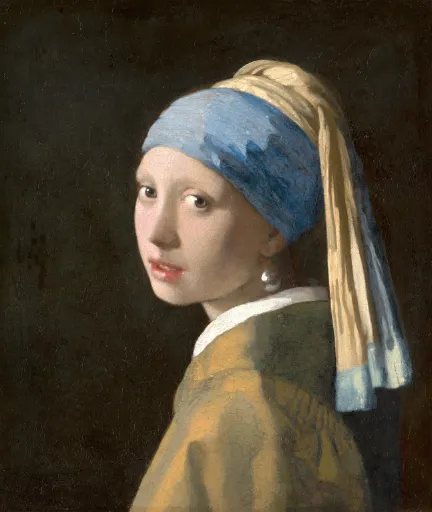
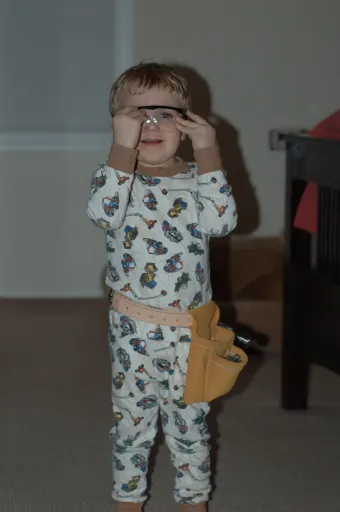
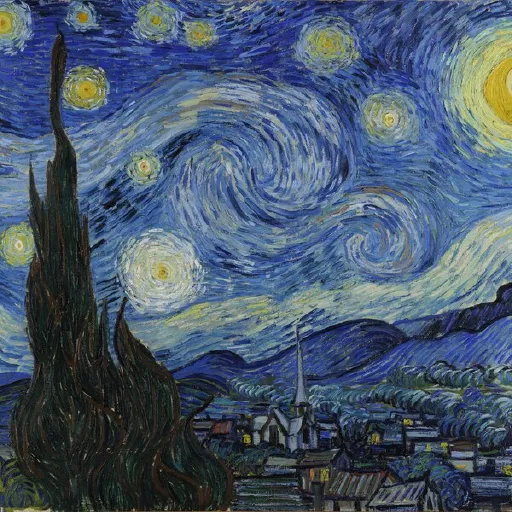
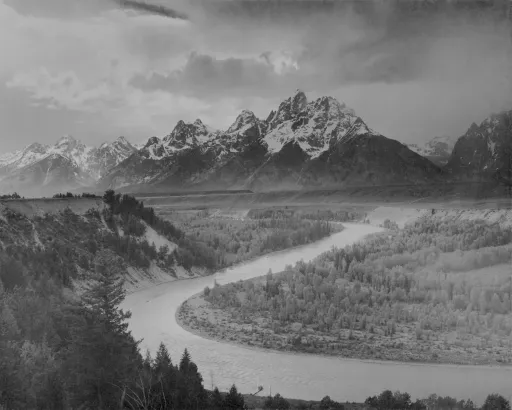
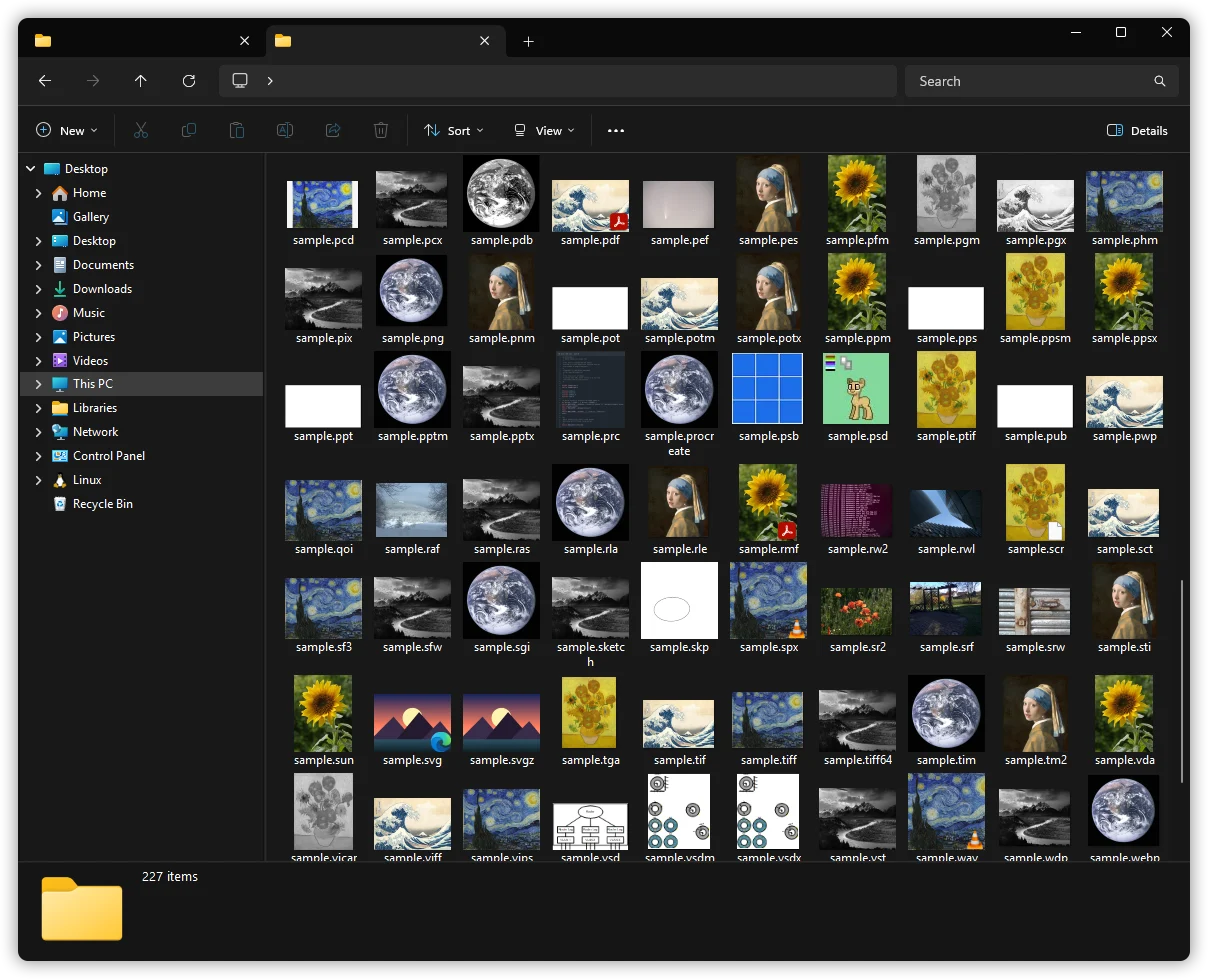
126 are a full decode of the image itself; 99 ride the file's own embedded/carried preview instead of a full decode.
.avci, .heic, .heics, .heif, .heifs, .hif additionally use the OS's WIC HEIF codec when Windows has it; a Full install decodes them through the bundled decoder otherwise.
.hdp, .jxr, .wdp, .wmp additionally need the OS's WIC JPEG XR codec.
Each thumbnail is a representative frame grabbed from the video.
.3g2, .3gp, .asf, .avi, .divx, .f4v, .m2ts, .m4v, .mkv, .mov, .mp4, .mts, .ogv, .qt, .ts, .webm, .wmv additionally need the OS Media Foundation codecs.
Thumbnails appear as files land. Right-click any supported file for the toolkit; Settings decides what gets hooked.
Folders that show their contents
RAW shoots, renders, icons and documents preview in the grid instead of a wall of blank icons.
Generated on demand, the moment a file appears
Cached by Windows, so the second look is instant
Read-only, and nothing leaves your machine
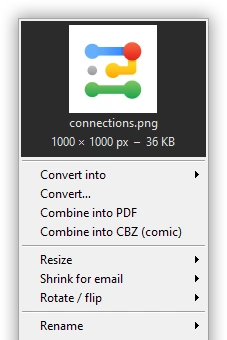
A right-click toolkit
Convert, resize, rotate, watermark, combine to PDF or CBZ, OCR, colour-pick, rename, set as wallpaper. Nothing leaves your machine.
ConvertResizeRotateWatermarkCombine to PDFOCREyedropper
Select the files (Ctrl+A for a whole folder), right-click, then SageThumbs 2K > Rename > Rename with pattern. The preview shows every new name before anything changes.
Holiday {date} {n:3} turns IMG_4471.jpg and IMG_4472.jpg into Holiday 2026-07-14 001.jpg and Holiday 2026-07-14 002.jpg.
{date} is the date taken, else the file's date; {n:3} counts 001, 002 and on. {name}, the pixel size {w} and {h}, and find-and-replace work too. The extension stays, and nothing is ever overwritten.

You decide what hooks
A dark Settings panel: toggle any type, cap size and quality, reorder the right-click menu. In 36 languages.
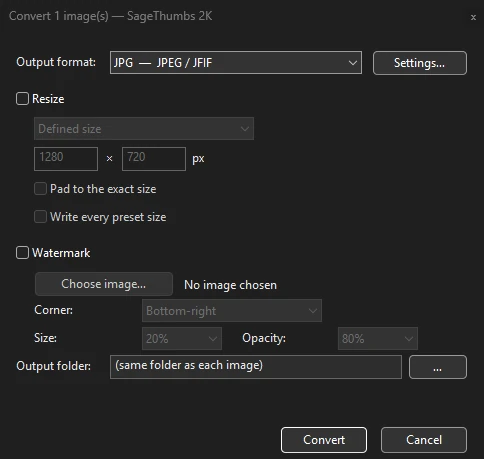
Convert anything, in bulk
Right-click, Convert… to JPG, PNG, WebP, TIFF and more. Batches run in parallel; originals are never touched.
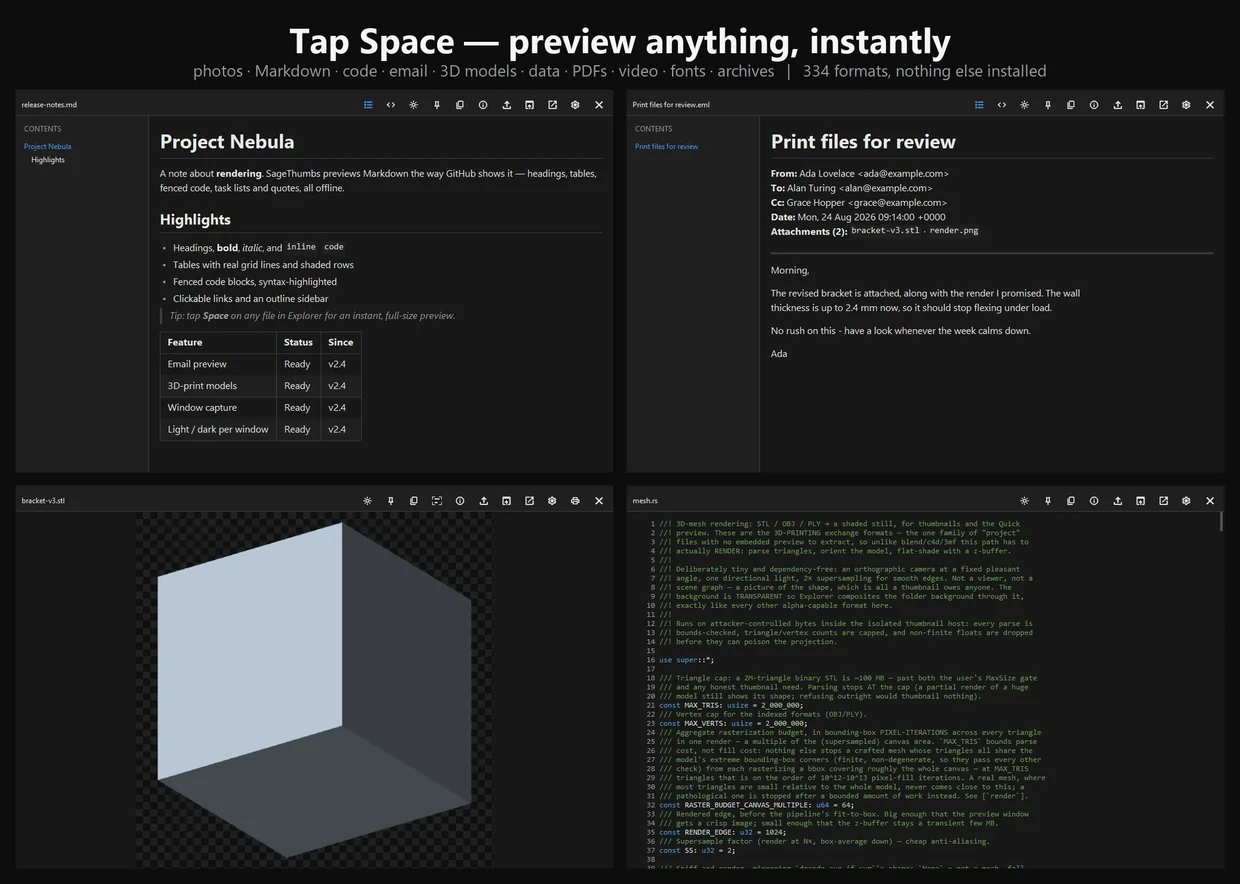
Select a file, press Space: an instant full-size preview. The Quick Look Windows never had.
A real preview, not just a thumbnail
Anything SageThumbs can decode, plus what a still image can't do:
Video and audio play, with a seek bar
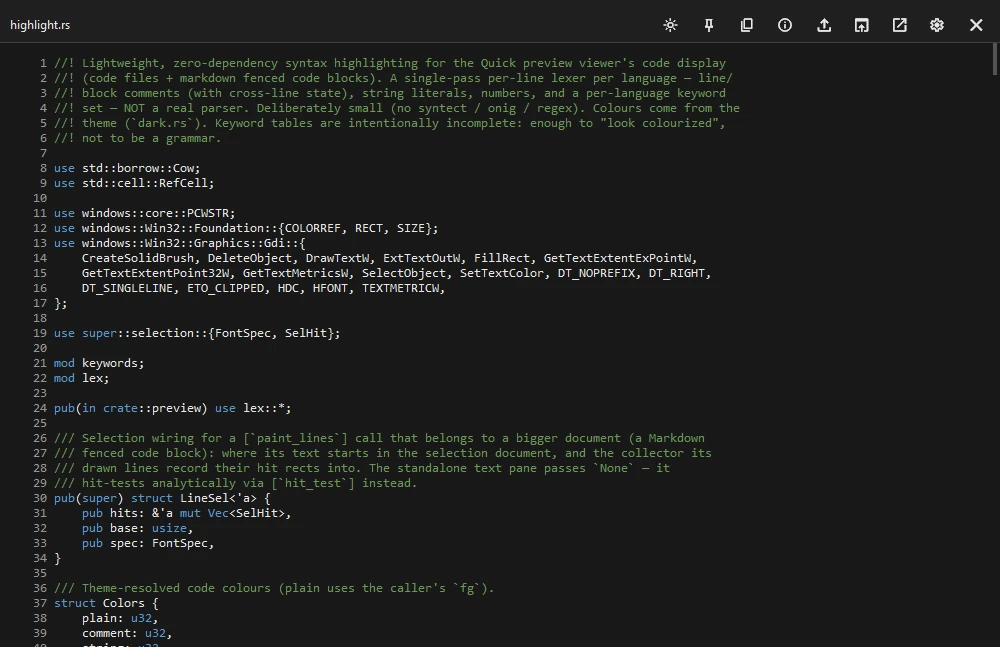
Code highlighted with line numbers; Markdown rendered, with an outline
PDFs scroll like a document, with page thumbnails and search
Archives list their contents; SQLite databases open as tables
Email (.eml, Outlook .msg) opens as mail: nothing fetched, nothing extracted
3D-print models render shaded; one click copies the text out of any picture
Space to open or close← → flip through the folderF11 full-screenLight or dark, per windowNever steals focus
Code and text, actually readable
Source opens highlighted, in its own language. Chinese, Japanese, Korean and Thai read correctly: the encoding is detected, not assumed.
One install, not a dozen
The whole stack it lets you delete.
Thumbnails, a Space-bar preview, Explorer metadata columns, convert, resize, metadata stripping, a colour picker, screen OCR and screenshots, all from one shell extension and one st2k.exe.
a dozen+separate tools' jobs, folded in
oneinstaller, no separate dependencies
0tray icons or background services
100%local image processing, your files stay put
Instead of
MysticThumbsIcarosFastPictureViewerQuickLookSeerExifToolGUIXnConvertIrfanViewPowerToys Image ResizerPowerToys Color PickerCapture2TextExifCleanerShareXGreenshotSnagit
Exotic formats lean on Windows' codecs or the bundled ImageMagick.
For power users and AI agents
A command line and an MCP server, in the box.
Everything the menu does, st2k.exe does from a terminal. It speaks MCP, so agents see RAW and PSD as images.
Scriptable batchThumbnail or convert whole folders in parallel.
OCR and PDF toolsText out of images; many pages into one PDF.
An agent-ready view toolA model sees a RAW, PSD or HEIC it could not open.
st2k
# render any supported format to an image$st2kthumbnail photo.cr2 out.png --size 512
# batch a whole folder, in parallel$st2kbatch thumbnail .\raw\ --size 512
rendered 248 files# RAW to PNG, no Photoshop needed$st2kconvert render.psd out.png
# expose every format to an AI agent$st2k--mcp MCP server ready: view, convert, ocr ...
safety
Safe by construction, not by promise.
It runs inside explorer.exe, so the bar is high.
Memory-safe Rust
Rust, sandboxed at every Explorer boundary. A hostile file cannot crash Explorer or reach your system.
Read-only by default
Thumbnailing never writes to your files. The toolkit creates new files; it never overwrites the original.
Free and source-available
Free at home, paid at work (the PolyForm Noncommercial licence).
how it compares
Where SageThumbs 2K fits.
How SageThumbs 2K stacks up, honestly, against the usual suspects.
Comparison of SageThumbs 2K against the classic SageThumbs, MysticThumbs, Microsoft PowerToys and QuickLook
Tool
Price
RAW / PSD / HEIC thumbnails
Space-bar full preview
Convert / resize / OCR toolkit
Maintained
SageThumbs 2K
Free at home; at work US$50 per PC a year, or US$5 monthly
Yes, 364 formats
Yes: video, audio, code, PDFs, SQLite
Yes, built in
Yes, actively developed
Classic SageThumbs
Free (GPL-2.0)
Images only (bundled GFL)
No
No
No, discontinued 2019
MysticThumbs
Paid (14-day trial)
RAW, PSD, HEIC/AVIF, audio, ebooks; no video
Yes (QuickView)
Convert only
Yes, commercial
Microsoft PowerToys
Free, open source
No: SVG, PDF, Markdown and code only
Yes (Peek)
Some, as separate utilities
Yes, active (Microsoft)
QuickLook (QL-Win)
Free, open source
No, preview only
Yes, its whole purpose
No
Yes, active
Competitor details from each project's own pages, August 2026. SageThumbs 2K is a clean-room rebuild that credits Nikolay Raspopov's original.
One key per PC, emailed the moment you pay; redeem it under Settings > Licence. Prices in USD, tax added at checkout. Manage or cancel at go.lunarwerx.com/sagethumbs/manage.
questions
Questions, answered.
Is it really free?
Free at home, paid at work. Home, hobby and any other non-commercial use is free; that is what its licence, PolyForm Noncommercial 1.0.0, says. Charities, schools, public research and government bodies use it free too. A company, a shop or anyone doing paid work needs a subscription per PC: US$50 a year or US$5 a month, the same price for home and business. It adds commercial use, priority support and every paid feature added from now on; free home use keeps updating as before.
Public code, memory-safe Rust, every decode crash-isolated. A bad file can't take down Explorer.
Will it slow down Explorer?
No. Thumbnails are cached by Windows, the fast paths are pure Rust, heavy decodes run out of process, and you can cap sizes in Settings.
Does SageThumbs 2K work offline?
Yes. Everything runs locally; nothing is uploaded and no account is needed. Only the optional link-upload tool touches the network.
My Update button fails. What now?
Versions 1.3.3 to 1.10.0 have a broken Update button that wrongly says you need an administrator. Download the latest installer once from the Releases page and run it; one-click updates work from then on.
Why does Windows SmartScreen warn me?
3.0 and later are code-signed by LUNARWERX LLC. SmartScreen can still warn while a new publisher earns reputation: click More info, then Run anyway.
Which versions of Windows?
Windows 11 and 10, 64-bit. Both right-click menus.
Is there a version that does not need installing?
Yes, every release ships a portable zip: unzip and run, no admin rights. The preview pane, details pane and the Windows 11 modern menu need the installer.
Which formats are supported?
Hundreds; see the wall above, or run st2k formats for the live list.
Does it work in OneDrive or Synology Drive folders?
Yes, since 3.4.0. In a synced folder Windows asks only the cloud app for thumbnails, so SageThumbs links itself into that folder's thumbnail slot: files on your PC get the same thumbnails as anywhere else, and online-only files are never downloaded just to draw one.
Stop staring at blank icons.
Install once. Every RAW, PSD, HEIC, video and comic in your folders just shows up.